Cozy corners
Sunny plant room
Big & easyChoose PDF ↗

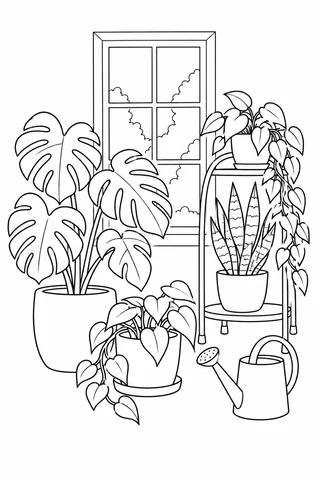
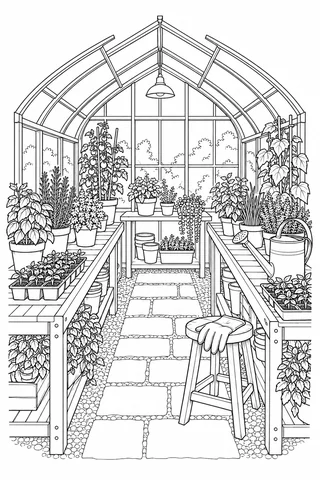
Look at the leaf shapes before choosing a page. Broad cactus bodies and large tropical leaves offer open spaces, while rosettes, fern leaflets and greenhouse shelves provide more small areas to explore.
11 original drawings · Free A4 & Letter PDFs · No account
11 pages to make your own
Try a broader subject or choose all detail levels.
Cozy corners
Cozy corners
In the garden & beyond
In the garden & beyond
In the garden & beyond
In the garden & beyond
In the garden & beyond
In the garden & beyond

In the garden & beyond

Patterns & symmetry
Patterns & symmetry
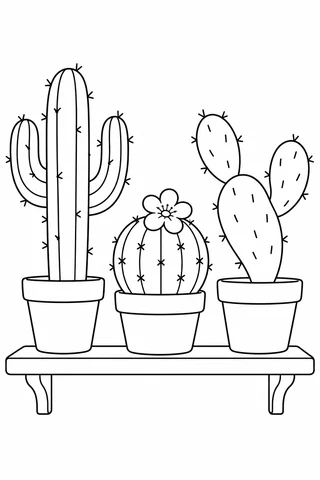
Three different cacti sit in plain pots. Their simple forms make it easy to try a different green on each plant.
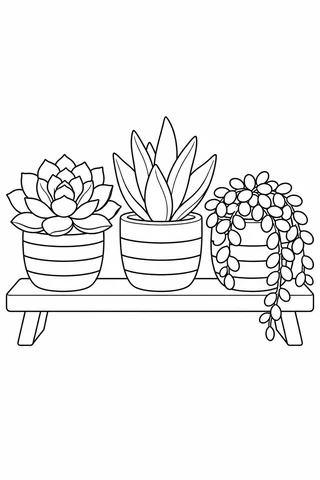
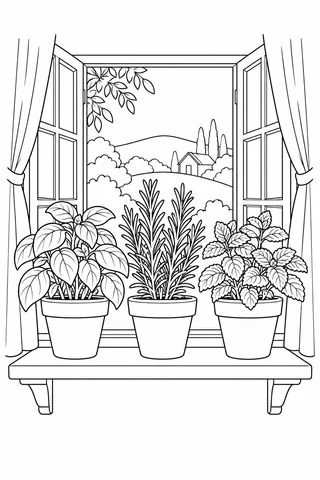
Cactus shelf ↗A rosette, pointed leaves and a trailing plant share one shelf. Repeating the pot colors can connect those different shapes.
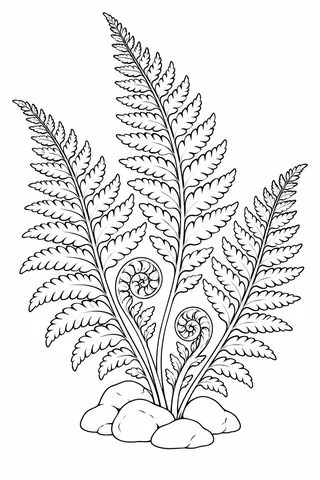
Three little succulent pots ↗Narrow leaflets line the tall fronds, with curled young growth below. A sharp pencil fits the smaller spaces and curved tips.
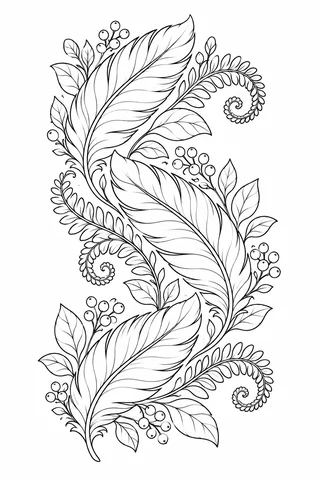
Unfurling fern fronds ↗Choose two or three greens with a clear difference in lightness. Give each plant one main green, then reserve a second shade for a few overlapping leaves or one side of a broad leaf. In a succulent rosette, follow one layer of leaves around the center before moving outward. This keeps the repeated shapes easy to track.
For fern fronds, work along one side of a stem and then the other instead of jumping around the page. A few lighter leaflets can break up the repeat. Let pots provide the strongest non-green color: warm clay, blue stripes or a simple cream finish can separate the plant from its container. Added veins and gentle pencil gradients belong on paper; the studio uses the enclosed spaces in the drawing.
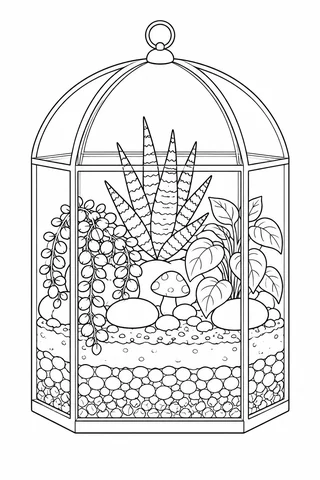
Use the three succulent pots as a small palette study. Give all three pots matching colors, but make one plant warm green, one cool green and one an imagined purple or pink.
Open a drawing to choose its A4 or US Letter PDF, view the full-size art or color it online. Save several favorites to make a custom print pack. For paper settings, use the printing guide.